Build your budget the way it should be built — together.
A working budget model where every department head fills one simple tab, and the whole organization rolls up into a board-ready one-pager. The collaborative budgeting you're told you need paid software for — in a spreadsheet that opens clean on any machine.
Budgeting doesn't break when you build it. It breaks when you assemble it.
Most annual budgets die in the consolidation: weeks of chasing spreadsheets from department heads, then hand-patching them into one master file — Budget_Final_v3_Approved.xlsx — where nobody's sure which version is live and every copy-paste is a chance to drop a number.
This workbook fixes the assembly. Six department slots, one tab each, rolling into a single consolidated view. Department heads only ever touch their own tab; the program ratios, reserve math, and restricted-vs-unrestricted split happen automatically where they can't break them.
One page instead of twelve tabs.
The whole org, rolled up
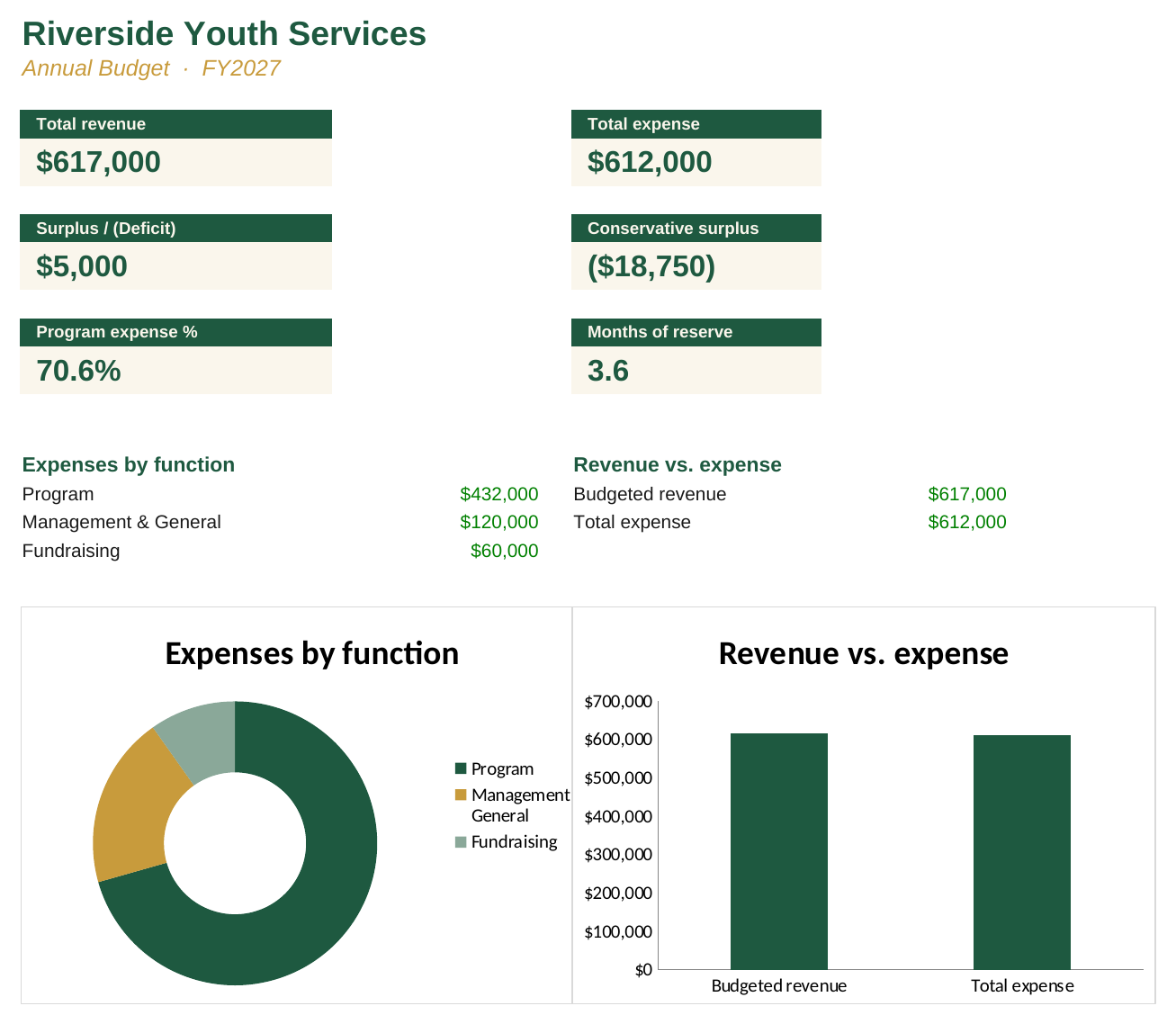
Every department's personnel and expenses consolidate into total revenue, total expense, and surplus or deficit — split program / admin / fundraising and restricted / unrestricted, automatically.
The ratios boards actually ask about
Program expense %, overhead %, personnel %, and months of operating reserve — each computed for you and flagged against common watchdog benchmarks.
A conservative scenario in one input
Set a haircut on your probability-weighted pipeline and watch a balanced budget reveal what it really is if part of that revenue doesn't land. The number boards never see until it's too late.